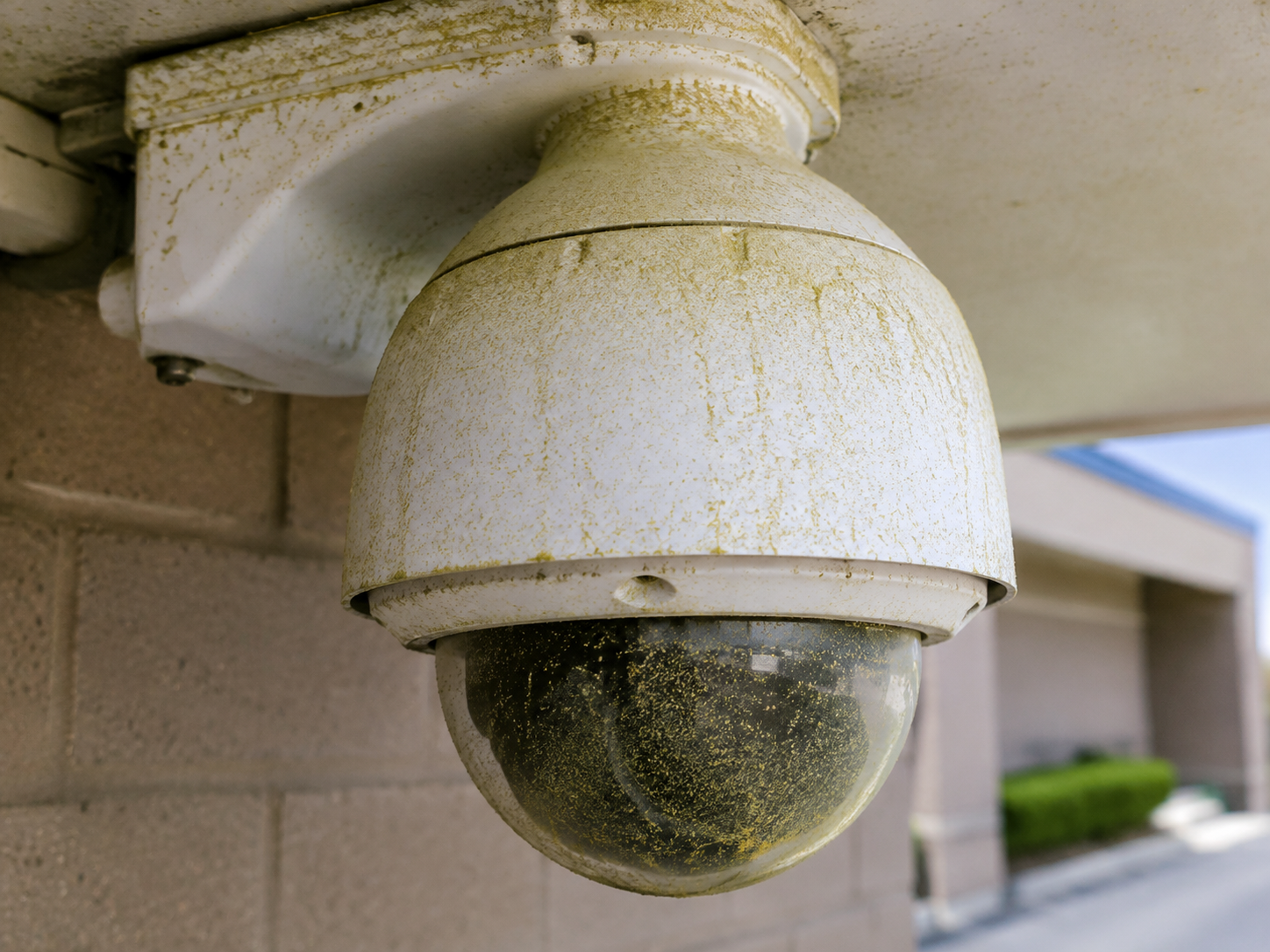
Pollen, rain spots, insects, landscaping dust
The security camera cleaning schedule guide
How often should security cameras be cleaned?
There is no universal answer. The right schedule depends on exposure, environment, camera position, and how critical the image is. Start here—then adjust with real site observations.
Find your schedule ↓What exposure looks like
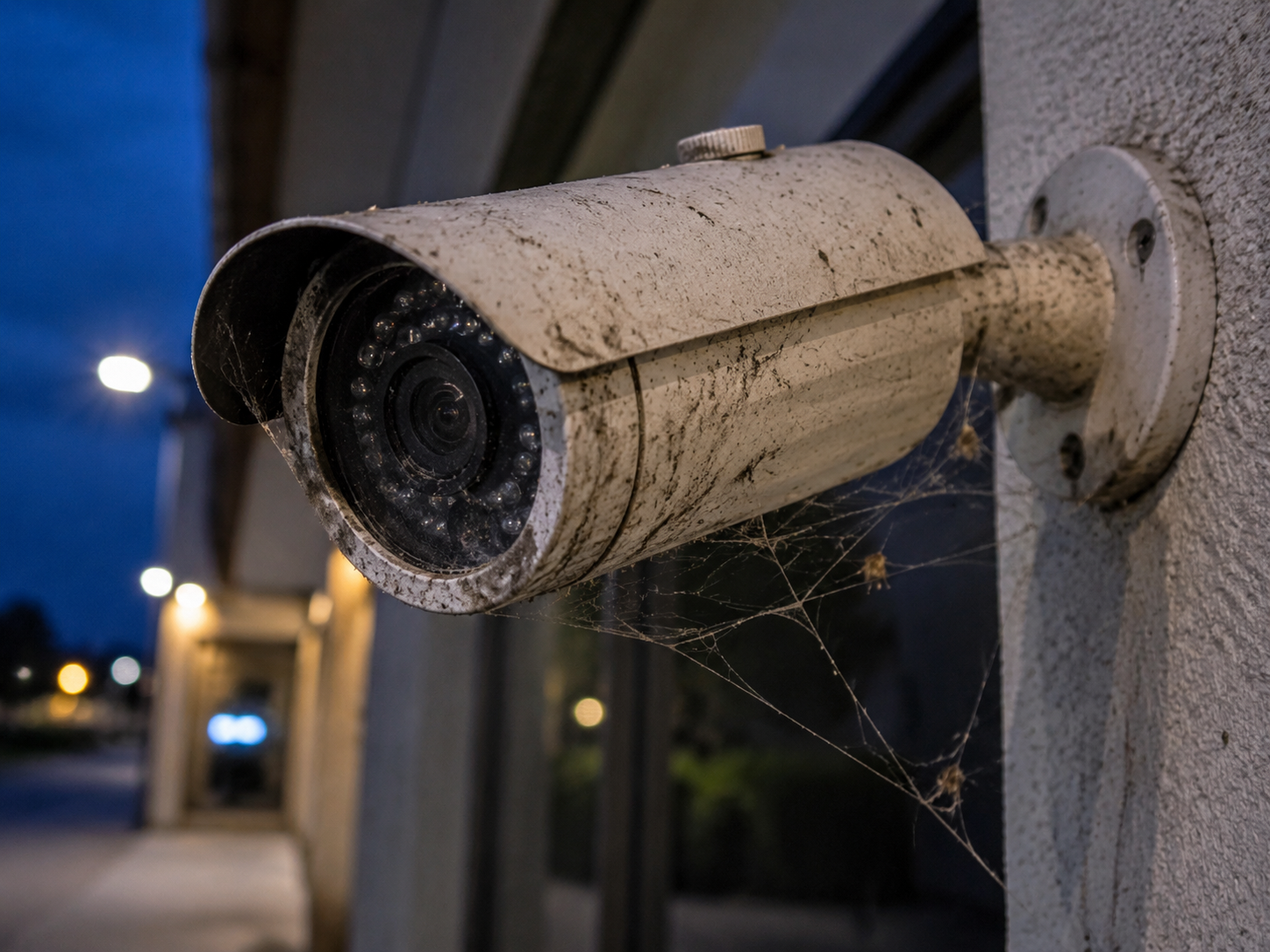
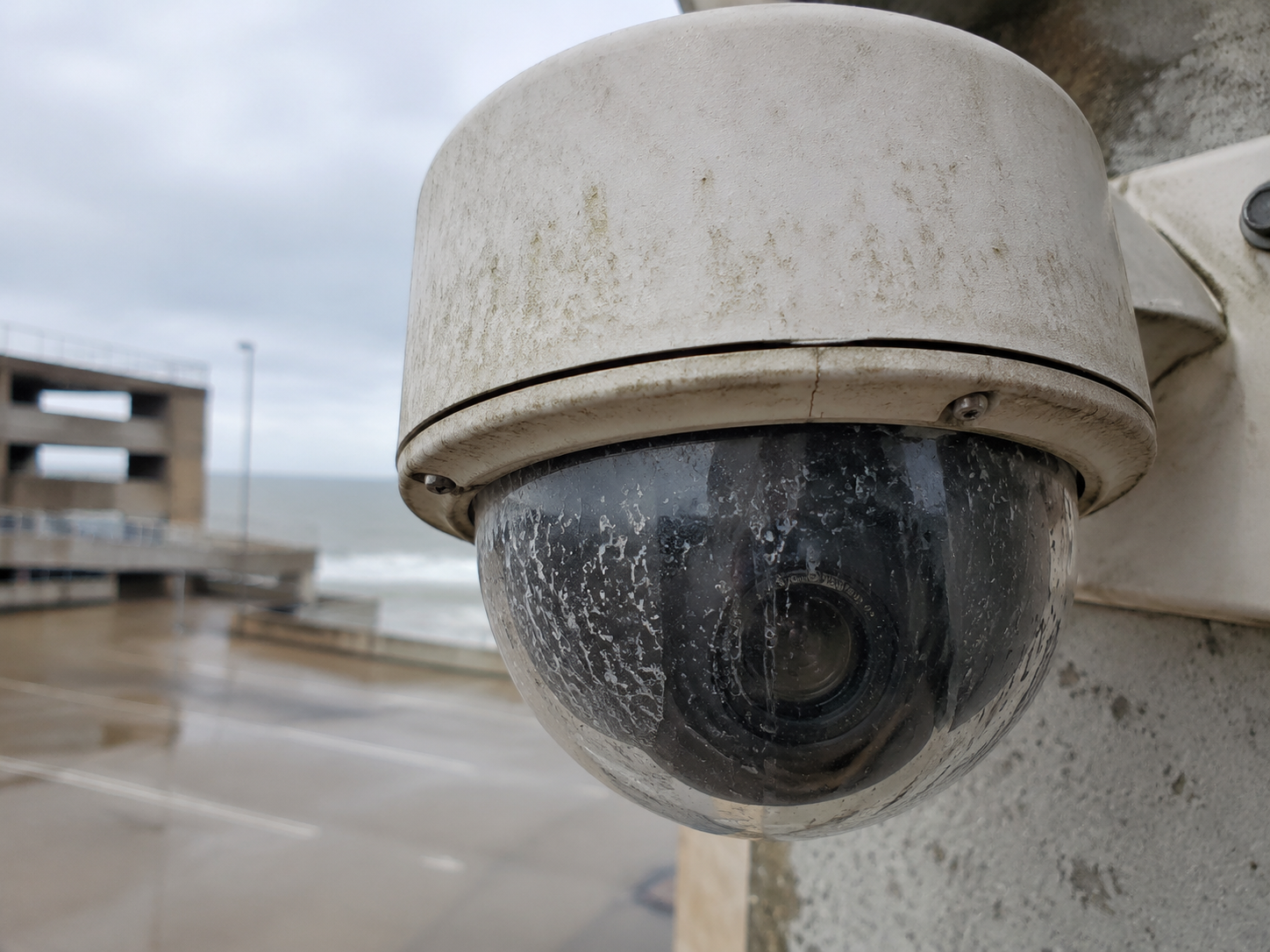
Dirt does not wait for the maintenance calendar.
Different environments create different contaminants. Regular image review and physical inspection help you catch buildup before it compromises usable video.
Interactive schedule finder
Choose your environment.
Select the closest match. Use the recommendation as a starting point—not a replacement for manufacturer guidance, site safety requirements, or regular image review.
Recommended starting point
MonthlyHigh exposureRoadways & parking
Traffic and weather create a fast-building film that can reduce contrast and nighttime detail.
- Common contaminants
- Road film, exhaust, salt, pollen, water spots
- Inspect sooner after
- Severe weather, construction, landscaping, reported blur, analytics errors, or an incident
Does this location also have:
ADJUSTED REVIEW RANGEEvery 2–4 weeks
Seasonal maintenance matters
The calendar changes the camera.
Insects, webs, storms, humidity, airborne dust
Leaves, debris, temperature swings, harvest dust
Road salt, snow spray, condensation, ice, low-angle glare
Do not wait for the scheduled date
Eight signs a camera needs attention now.
01Hazy or low-contrast daytime image
02Nighttime glare or infrared reflection
03Water spots or streaks
04Visible pollen, dust, grease, or salt
05Spiderwebs, insects, or nesting material
06Repeated false analytics alerts
07Camera aim has shifted
08Image quality complaint or recent incident
Every scheduled visit
Inspect. Clean. Verify. Document.
Cleaning is one part of camera maintenance. Check the housing, mounting, seals, wiring, focus, aim, night image, analytics, recording, and documentation while you are there.
See CameraShine PRO ↗- 1Inspect firstLook for damage, contamination, corrosion, movement, and loose hardware.
- 2Use optics-safe toolsNever default to paper towels, household glass cleaner, or direct spraying.
- 3Verify performanceCheck live and recorded day/night images and configured analytics.
- 4Record the workDocument before/after condition, defects, actions, and the next due date.
Security camera cleaning frequency FAQs
Build the schedule around exposure—not guesswork.
How often should security cameras be cleaned?
Use the environment as the starting point. Roadways, industrial sites, kitchens, coastal locations, and cameras exposed to insects may need monthly attention. Cleaner indoor environments can often begin with quarterly, semiannual, or annual inspections—provided routine image reviews confirm the view remains clear.
Should cameras be checked after storms or construction?
Yes. Severe weather, landscaping, nearby construction, road salt, pollen events, and insect activity can accelerate contamination. Inspect the image and physical camera before the next scheduled service date when conditions change.
What should happen after a camera is cleaned?
Verify the live and recorded image, aim, focus, nighttime infrared performance, analytics, and recording. Record the work and the next due date using the CameraShine maintenance checklist.
Make clear video routine
Clean from the ground. On a schedule.
CameraShine makes surveillance optics cleaning safer, faster, and repeatable—because clear video isn’t optional.